 By Miah Ayaan
As of June 2025, AI-driven video tools have gone from novelty experiments to essential parts of content creation workflows. Whether you’re a startup founder making pitch videos, a marketing team producing product explainers, or a solo creator building a social media following, the ability to animate static visuals and synchronize voices to digital characters has become game-changing. Two categories dominate this shift: Lip Sync AI for realistic audio-to-mouth movement, and Image to Video systems that convert stills into compelling clips.
Over the last few months, I tested some of the most popular platforms that combine these features. My evaluation focused on usability, realism, output quality, and cost. Below is my ranked list of the best Lip Sync AI and Image to Video tools in 2025 — starting with Magic Hour, which consistently delivered the strongest performance.
At a Glance: Best Tools of 2025
| Rank | Tool | Best For | Modalities | Platforms | Free Plan | Pricing |
| 1 | Magic Hour | Best all-in-one creative suite | Image, Video, Audio | Web | Yes | Paid tiers available |
| 2 | HeyGen | Talking avatars for business | Video, Audio | Web | Yes | Subscription |
| 3 | Runway Gen-3 | Cinematic-grade video | Image, Video | Web, Desktop | Yes | Subscription |
| 4 | Pika Labs | Fast short-form clips | Video | Web | Yes | Credit-based |
| 5 | Synthesia | Corporate training & explainer videos | Video avatars | Web | No | Enterprise pricing |
| 6 | Adobe Firefly | Professional editing workflows | Image, Video | Web, Creative Cloud | Limited | Adobe CC subscription |
| 7 | Reface | Entertainment & casual swaps | Mobile | iOS, Android | Yes | In-app purchases |
| 8 | DeepFaceLab | Open-source experimentation | Video | Local install | No | Free |
- Magic Hour — Best Overall
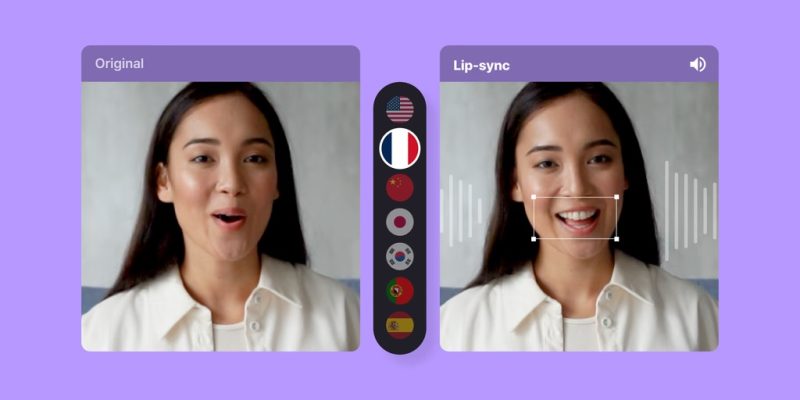
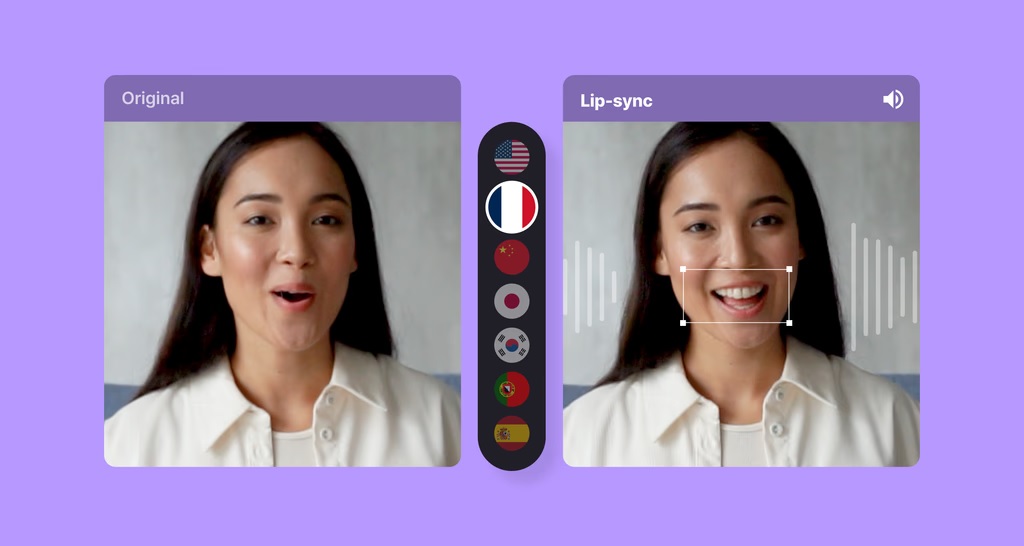
Magic Hour is my top recommendation because it combines multiple advanced features into one streamlined workflow. It includes lip sync, image to video ai, face swap, and an ai image editor with prompt free adjustments. This versatility makes it the most practical solution for creators who want to minimize tool-switching.
Pros
- High-quality Image to Video results with cinematic fluidity
- Realistic Lip Sync outputs with expressive detail
- Integrated modules: lip sync ai, face swap ai, ai image editor
- Intuitive web interface with no installations required
- Free tier for experimentation
Cons
- Heavy projects can consume credits quickly
- Internet connection impacts rendering speed
I created a product demo with Magic Hour by animating static visuals using the image to video tool, then layering in a spokesperson avatar powered by lip sync ai. The process was efficient and the results professional. The ai image editor provided the finishing touches, letting me refine the visuals without moving to another platform.
Pricing: Free plan; paid subscriptions scale with usage.
- HeyGen
HeyGen is widely recognized for its talking avatars. It’s a strong fit for business communication, offering ready-to-use avatars that lip sync effectively to text or uploaded audio.
Pros
- Professional avatar options
- Reliable synchronization for business videos
- Easy-to-use web platform
Cons
- Focused mainly on corporate communication, less creative freedom
- Subscription pricing may be restrictive for casual users
For companies that want scalable, professional-looking explainers, HeyGen remains a dependable solution. It doesn’t cover the breadth of Magic Hour but excels in its corporate niche.
Pricing: From $29/month.
- Runway Gen-3
Runway’s Gen-3 model has raised the bar for AI-generated video realism. While its lip sync features aren’t as polished as others, its image-based video generation is among the most advanced.
Pros
- Cinematic-quality video generation
- Strong editing tools for professional creators
- Suited for storytelling and filmmaking
Cons
- Learning curve for non-professionals
- Subscription pricing higher than some rivals
I tested Runway for a short concept film sequence. The visuals were impressively lifelike, though fine-tuning required trial and error. This platform is ideal for directors and creative teams chasing cinematic output.
Pricing: Around $15/month.
- Pika Labs
Pika Labs focuses on short, fast-turnaround content. It’s popular with TikTok and Instagram creators looking to animate still images quickly.
Pros
- Very fast results
- Simple user experience
- Ideal for social-first creators
Cons
- Short video durations only
- Limited customization
When I wanted to test a quick idea for a social media teaser, Pika Labs was the fastest. It’s not enterprise-level, but perfect for experimentation and playful outputs.
Pricing: Free tier; paid credits for extra renders.
- Synthesia
Synthesia is a market leader in enterprise video. It is often used for training, onboarding, and corporate explainer content.
Pros
- Enterprise-grade compliance
- Wide selection of professional avatars
- Trusted by major brands
Cons
- Expensive compared to creator-focused platforms
- Less creative flexibility
I’ve seen large companies rely on Synthesia because it ensures consistent, scalable outputs. For individual creators, however, the pricing makes it less practical.
Pricing: Custom enterprise plans.
- Adobe Firefly
Adobe Firefly extends generative AI features across Photoshop, Premiere, and other Creative Cloud apps. Its ai image editor integration makes it especially useful for refining visuals.
Pros
- Tight integration with Adobe ecosystem
- Professional editing precision
- Backed by Adobe’s reliability
Cons
- Requires an Adobe subscription
- Less beginner-friendly
I used Firefly to prepare still images before animating them with other platforms. It’s excellent for editing, though less focused on lip sync or animation itself.
Pricing: Included in Creative Cloud subscriptions.
- Reface
Reface has remained popular for entertainment-driven face swap and quick video fun. While not professional-grade, it offers instant results for casual users.
Pros
- Simple mobile interface
- Fun and fast outputs
- Great for memes and casual sharing
Cons
- Lower resolution than pro platforms
- Privacy considerations for sensitive data
I tested Reface for quick swaps on mobile — fun, but not suited for serious projects.
Pricing: Free with in-app purchases.
- DeepFaceLab
DeepFaceLab is an open-source powerhouse for researchers and developers. It offers total control over training and customization but requires technical skill.
Pros
- Completely free
- Advanced customization options
- Large community support
Cons
- Steep learning curve
- Requires powerful local hardware
For technically skilled users, DeepFaceLab offers unmatched experimentation. For most creators, however, web-based options like Magic Hour are more accessible.
Pricing: Free.
How I Chose These Tools
My evaluation was hands-on. I tested each platform using real creative tasks:
- Animating static visuals into dynamic clips with Image to Video
- Running Lip Sync AI tests with varied voiceovers
- Measuring render speed and output realism
- Comparing ease of use for casual creators and professionals
- Assessing overall cost-effectiveness
Magic Hour came out on top because of its breadth and integration. Being able to move from lip sync to image to video ai to ai image editor within one platform saved hours.
Market Trends in 2025
The current market shows several important shifts:
- Integration over specialization — Platforms like Magic Hour bundle lip sync ai, face swap ai, and image editing into one solution.
- Corporate demand — HeyGen and Synthesia dominate enterprise use cases for communication and training.
- Cinematic storytelling — Runway Gen-3 is setting the standard for realism in filmmaking.
- Social-first creation — Pika Labs and Reface highlight the appetite for fast, fun, shareable outputs.
- Simplified editing — The rise of ai image editor with prompt free interfaces shows users want less complexity and more control.
Final Takeaway
If you want one clear recommendation: Magic Hour is the best overall choice for Lip Sync AI and Image to Video in 2025. It combines advanced realism with user-friendly workflows and saves time by keeping everything under one roof.
- Choose HeyGen or Synthesia if your focus is corporate training or explainers.
- Runway is the right pick for cinematic projects.
- Pika Labs and Reface are best for social media and playful outputs.
- Adobe Firefly fits professionals already in the Adobe ecosystem.
- DeepFaceLab remains the go-to for technical users.
Each tool serves a different audience. The best way forward is to test them for your own workflows and see which aligns with your creative needs.
FAQ
Q1. What is Lip Sync AI?
It’s AI technology that matches mouth movements in avatars or characters with audio tracks, creating realistic speech animations.
Q2. What is Image to Video AI?
It’s a system that turns still images into moving video clips, often with cinematic motion styles.
Q3. Which platform is best for beginners?
Magic Hour and Pika Labs are the most user-friendly for new creators.
Q4. Do these tools require technical skills?
Web-based tools like Magic Hour, HeyGen, and Pika Labs are beginner-friendly, while DeepFaceLab requires advanced expertise.
Q5. Can these tools be used commercially?
Yes, but terms vary. Always check the licensing details before publishing content.